
Contacts and photos
Transfer options for contacts, photo libraries and other everyday personal information.
Data transfer service
iWorkshop helps with phone, tablet and computer changeovers when you are moving from an older device to a replacement or new device. We discuss the practical options before work begins.
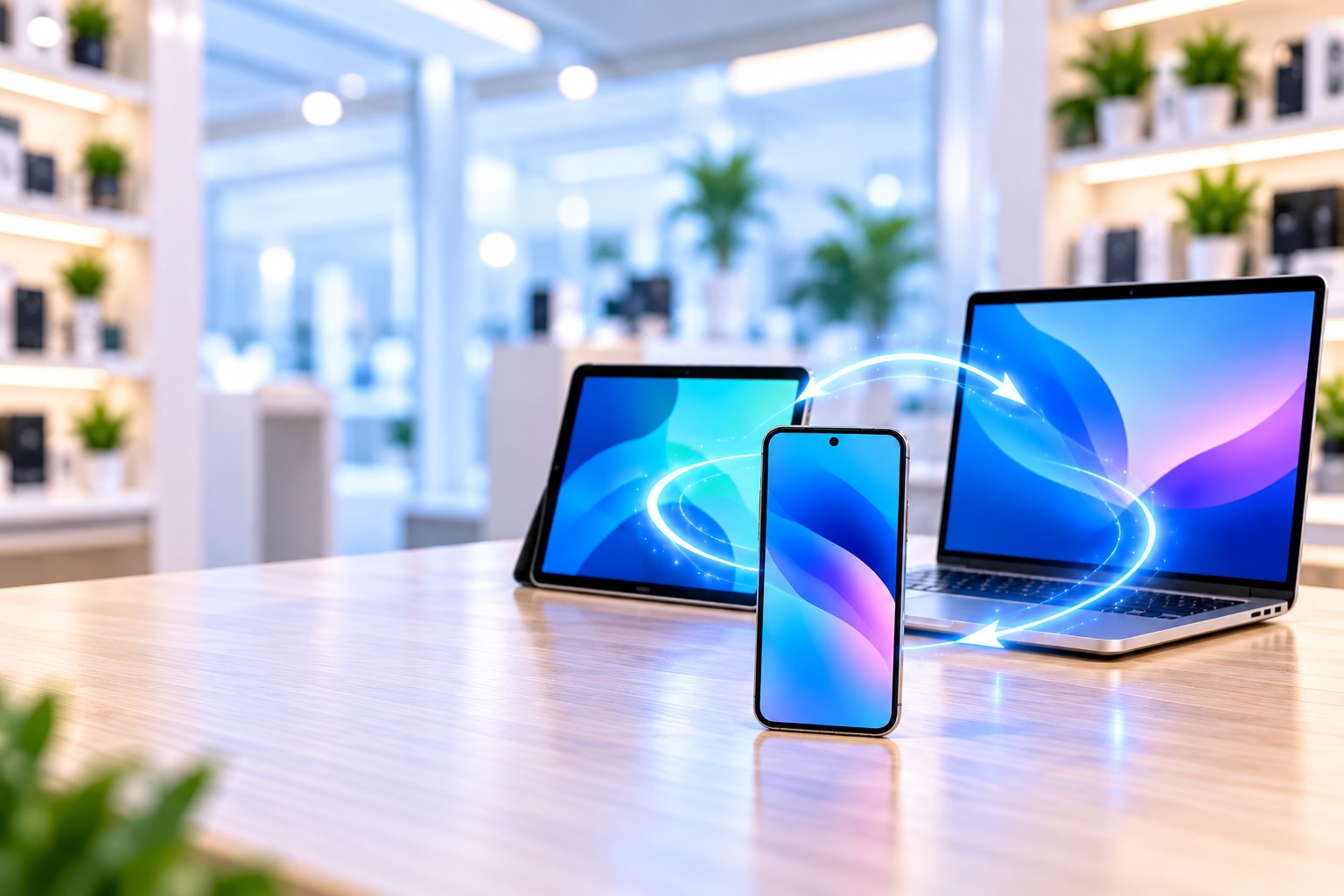
Bring both devices, their charging gear and any access details reasonably needed for the approved transfer.
What can be moved?
The available transfer method depends on the devices, their condition, storage space and account access.
Transfer options for contacts, photo libraries and other everyday personal information.
We explain what may transfer, what may need to be set up again and what depends on the app provider.
Practical setup support when moving to a replacement or new phone.
Help moving suitable files and checking that important documents are accessible.
Where a device still works, backing up important data before repair is strongly recommended.
Do not send passwords through the website. Temporary access is handled separately only when reasonably needed for approved work.
Before you visit
Tell us which information is most important. If the old device is not working, see our data recovery assessment options.