
New device setup
Help getting a new phone, tablet, laptop or computer ready to use.
Friendly technology help in Booragoon
Technology should make life easier, not more stressful. iWorkshop provides friendly help with phones, tablets, laptops and computers at Westfield Booragoon. We explain each step clearly, check what you want before making changes and help you feel more confident using your device.
Bring your device and charger, then tell us what has changed or what you are trying to do.
What do you need help with?
There is no such thing as a silly technology question. We explain the available options before carrying out paid work.
Help getting a new phone, tablet, laptop or computer ready to use.
Moving contacts, photos and other important information to a replacement device.
Making text, icons, sound and accessibility settings easier to use.
Practical help with updates and common email or app issues.
Checking suspicious pop-ups, messages, apps or unusual device behaviour.
Assessment of screen, battery, charging and other hardware problems.
How it works
Bring the device to iWorkshop, describe the problem and receive a clear explanation of the next steps. You approve quoted work before it begins.
It helps us understand the problem and test the right equipment.
Tell us what you were trying to do and when the issue began.
We explain practical next steps before paid work is carried out.
A family member or carer is welcome to attend with you.
Privacy and security
Please do not send banking, email, Apple, Google or Microsoft passwords through the website. If temporary access is genuinely needed for approved work, it is handled separately with the device owner’s permission.
We can discuss suitable transfer options once we can see the devices and their condition.
We can help review display, text, sound and other accessibility settings.
We can inspect the device and explain practical next steps. We do not promise that any device is completely secure.
We explain available options before proceeding with paid repair or support work.
Simple phone tips for seniors
Bring the device in if you would like help choosing and understanding practical settings.
Review display, sound and accessibility settings.
Make important people easier to call or message.
Discuss sensible photo backup and storage options.
Review Find My iPhone or Find My Device settings where appropriate.
Learn simple ways to recognise, block and report suspicious contact.
Practical help with updates, passkeys and account-recovery steps.
A family member or carer is welcome to help arrange or pay for support, while the device owner’s permission and privacy remain important.
Visit iWorkshop
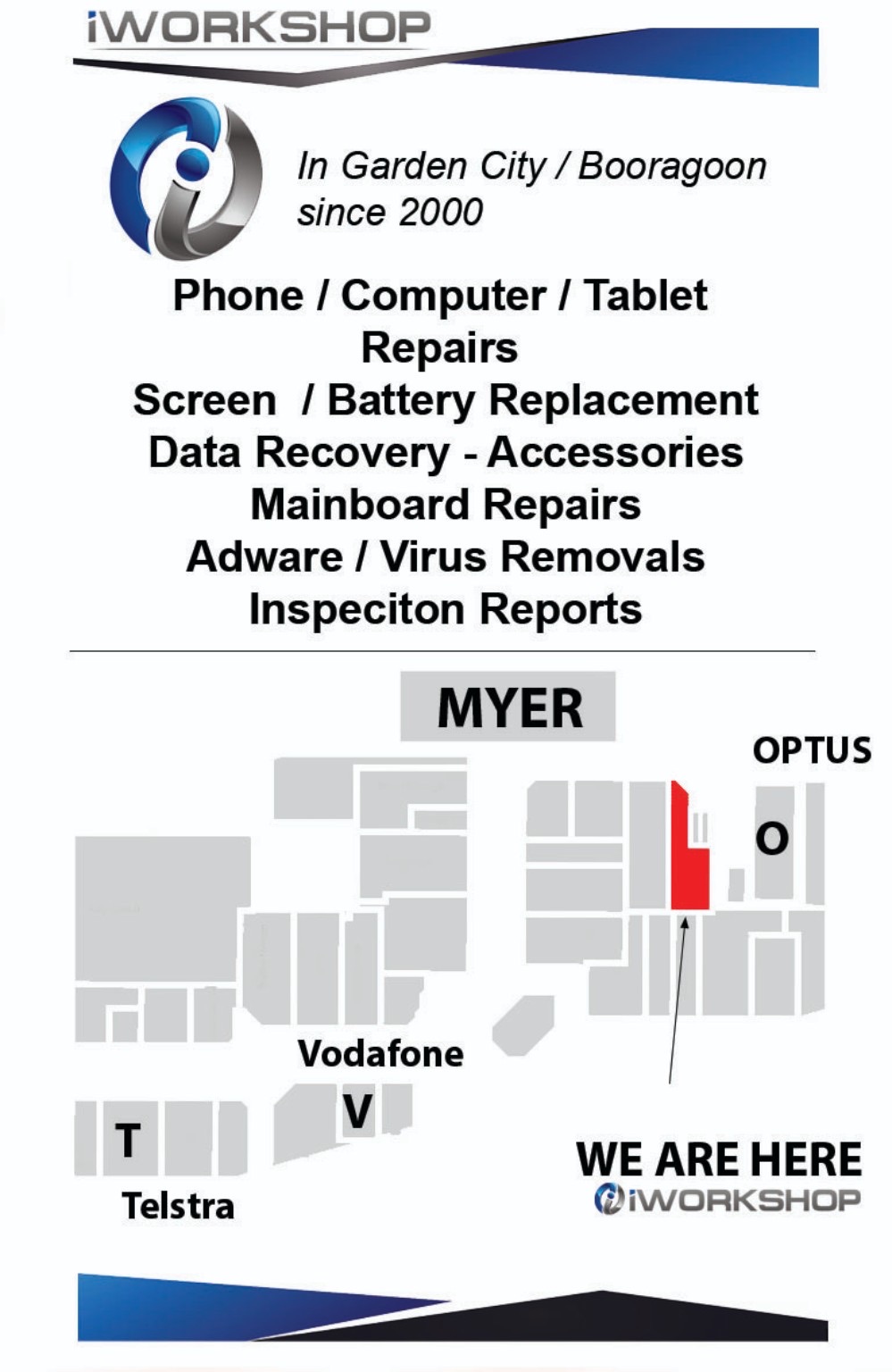
Shop 199a, Westfield Booragoon, 125 Riseley Street, Booragoon WA 6154. Find us between Kmart and Myer, opposite Tarocash, beside the travelator near Optus.